
MCSA - Web Applications

Gear Review

Re-evaluating My Technical Certification Path

*Why I'm pivoting my study goals to adapt to new career interests*

$460
Exam Fees
6
Months Timeline
2
Exams Required
Section I

Certification Strategy

I'm thrilled I waited to dive into my technical studies, as I just learned that Microsoft has introduced a new MCSA certification for Web Applications. This certification aligns more closely with my work, offering a streamlined alternative to the MCSD by eliminating the 70-487 Azure/Web Services Exam. The focus is now on two key areas:

 

  • 70-480 — HTML5, JavaScript, and CSS3
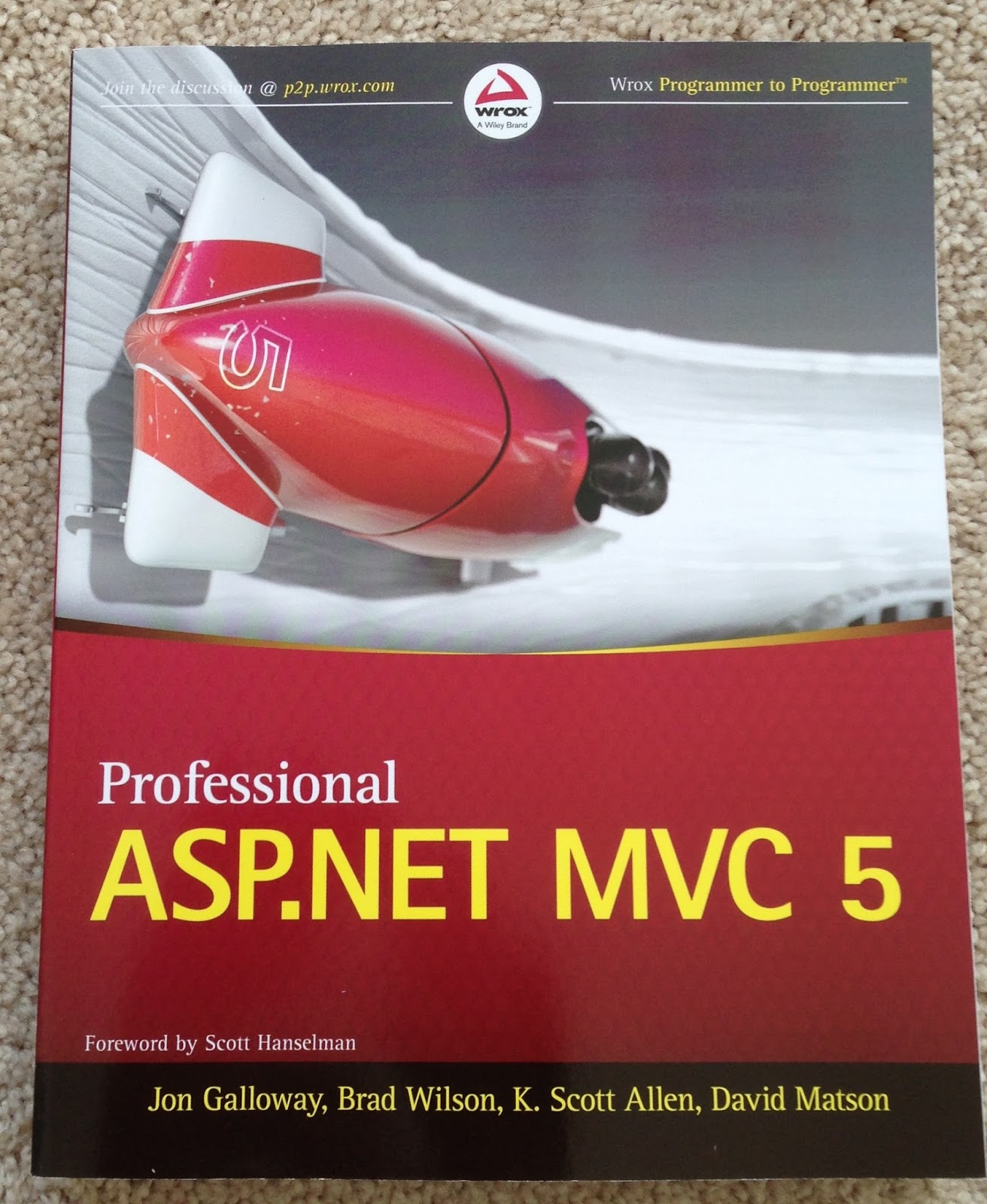
  • 70-486 — ASP.NET MVC

I had already purchased the necessary books last year and planned to pursue the MCSD after completing the MCSA in SQL Server 2012/2014. However, life has a way of getting busy, and I had to shift my priorities. Now that I'm ready to resume my technical studies, I'm excited to go for this new MCSA Certification. While the certification itself isn't my primary goal, it serves as a useful way to focus my studies.

Budget and Timeline

I’m budgeting around $460 for exam fees and estimating about six months of training time. If I stay on track, I should be able to achieve the MCSA Certification by November/December 2017.

Certification Tip — Treat formal exams as a roadmap for your learning rather than the end-all-be-all goal; they are excellent tools to keep your study sessions focused and structured.
PhaseMetricGoal
BudgetExam Fees$460
TimelineStudy Duration6 Months
TargetCompletionLate 2017
Section II

Update: December 17, 2017 — Cancellation

As life often goes, I've had to push this plan back and may consider pursuing the certification in 2018 or 2019. My interests in Python and R are calling to me, and I might shift my focus in that direction for now.

Stay tuned for my next deep dive into Python and data science studies.

Comments

  1. It is amazing and wonderful to visit your site. Thanks for sharing this information; this is useful to students..
    Read more about mcsa server 2012, best MCSA training

    ReplyDelete

Post a Comment

Popular posts from this blog

Sony MDR-ZX100 vs ZX-110 vs ZX-310 Series Headphones

Gear Review Budget Audio Face-off: Sony ZX Series Review Comparing the ZX-100, ZX-110, and ZX-310 for your everyday carry ~3 Models ~$10–$20 Price 2.5+ Years Longevity Table of Contents ① Build Quality ② Cost Comparison ③ Sound Quality ④ Overall Value ⑤ Upgrade Path Section I Build Quality The Sony ZX series headphones primarily feature a durable plastic construction. My ZX-100 has lasted over 2½ years, enduring countless tosses into my backpack and car without any issues. However, the lower-end ZX-100 and ZX-110 models have a significant downside: poor-quality earpads.   The Earpad Problem Over time, the earpads on the ZX-100 and ZX-110 disintegrate, leaving vinyl flakes that stick to your hair and ears. The ZX-310 comes with upgraded earpads that don't suffer from this problem — a clear win in the build department. Tip: If your earpads start to flake, it is a sign of material degradation; consider replacing the cushions or upgrading to a model with more durable synthetic lea...

Casio G-Shock - DW5600e vs DW5600ue - EL vs LED

Watch Review · G-Shock The G-Shock Square Evolution DW-5600E vs. DW-5600UE 200m Water Resistance 3 Generations Compared 1987 DW-5600C Debut Table of Contents ① Overview ② The Backlight Battle ③ Comfort Out of the Box ④ The DW-5600C (Vintage) ⑤ The Verdict Overview The Gold Standard, Quietly Updated For decades, the DW-5600E has been the "Gold Standard" for G-Shock squares. It's the watch that replaced the original screw-back models in the 90s and became the definitive tool watch for millions. But recently, Casio quietly updated this legend to the DW-5600UE. I've had both on my wrist recently, and while they look nearly identical at first glance, the differences in daily wear are surprisingly distinct. Section I The Backlight Battle: EL Nostalgia vs. LED Efficiency ...

MacBook Air 2017 - A1466 - Linux - Project + Install Advice

Linux · Dev Hardware · Field Notes My "New" Linux Laptop 2017 MacBook Air — $120 on eBay, Running Linux Mint $120 Per Unit (eBay) 2× Units Acquired 6–8h Battery Life 2.96 lbs I needed a portable laptop with good battery life and decent specs to write code while outside — mostly small-to-medium Python or ASP.Net projects and a few basic ML models. My HP 2016 i7 is too bulky, the HP i3 is hideous, so I replaced my old Linux laptop with not one but a pair of MacBook Airs picked up on eBay for $120 each. Why two? Originally I got the 256GB MQD42LL/A, and when pricing a 512GB SSD upgrade it was basically the cost of a whole 512GB A1466. Why pay $80 for a drive when $120 gets an entire computer? Eventually I'll get a newer M-series MacBook to fulfill my programming needs — but for $120, this is unreal value. Even after 9 years it looks modern and...